
Download Documentary+ – Free Documentary Streaming App for Windows, Android & iOS
Overview: Your One‑Stop Hub for Free Documentary Entertainment
Documentary+ is a dedicated streaming app that puts the world’s most compelling nonfiction stories at your fingertips. Designed for documentary enthusiasts, this free multimedia platform delivers a curated library of feature‑length titles and bite‑sized short‑form programs without ever asking you to create an account. From Academy Award‑winning classics like The Imposter and Born Into Brothels to fresh festival favorites such as Miss Americana and One Child Nation, the catalog spans music, politics, science, nature, crime, comedy, culture, and sports. While it does not compete with Netflix, Amazon Prime Video, or Hulu on fictional content, it excels in providing a focused, ad‑supported environment where you can explore the human experience through real‑life narratives.
The app’s user‑friendly interface makes discovery simple: genre filters, director highlights, and a “Trending” carousel keep you scrolling through high‑quality documentaries all day long. Even though you’ll encounter short pre‑roll video ads before each playback, the experience remains smooth and the ads are never intrusive enough to break immersion. Moreover, the app automatically saves your watching progress, letting you pick up exactly where you left off—even without a “continue watching” button. Whether you’re on a Windows PC, a macOS laptop, an Android phone, or an iOS tablet, Documentary+ offers a secure, lightweight solution for streaming nonfiction content on demand.
Key Features That Set Documentary+ Apart
- Completely free to download and stream—no subscription required.
- Zero account creation; start watching instantly after installation.
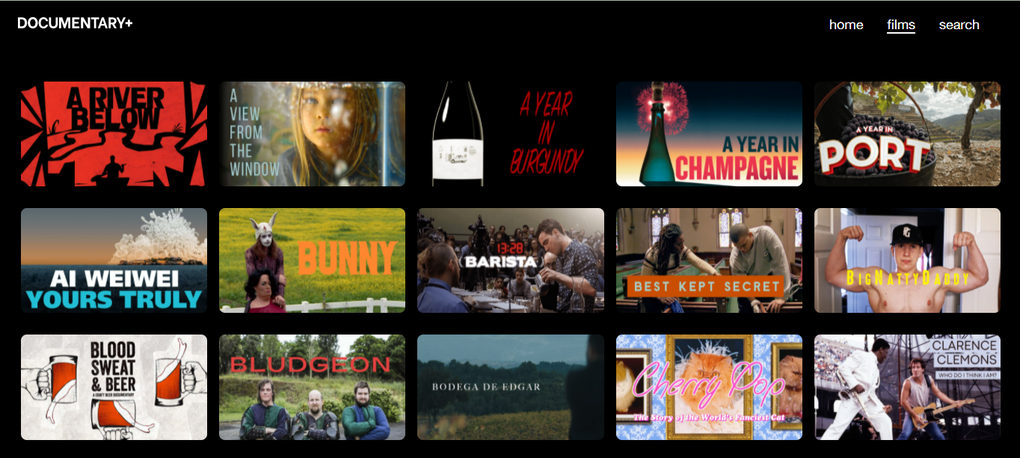
- Extensive library of over 1,000 documentaries, including award‑winning classics and emerging indie titles.
- Genre‑based browsing (music, politics, science, nature, crime, comedy, culture, sports).
- Curated collections from renowned directors and up‑and‑coming filmmakers.
- Automatic progress saving for seamless “pick‑up‑where‑you‑left‑off” experience.
- Cross‑platform support: Windows, macOS, Android, and iOS.
- Regular content updates and seasonal themed playlists.
- Lightweight, secure app architecture with minimal permissions.
- Ads are limited to short, non‑skippable pre‑rolls, keeping the overall experience ad‑light.
Installation, First‑Run Setup & Usage Tips
Getting started with Documentary+ is straightforward. Visit the official website or your device’s app store, click “Download,” and follow the on‑screen prompts. For Windows users, the installer is an .exe file; macOS users receive a signed .dmg. Android users download the .apk from Google Play, while iOS users find the app on the Apple App Store. The download size averages around 80 MB, making it a quick install even on slower connections.
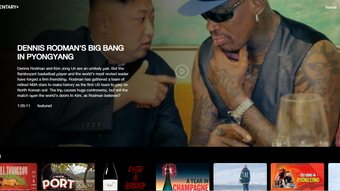
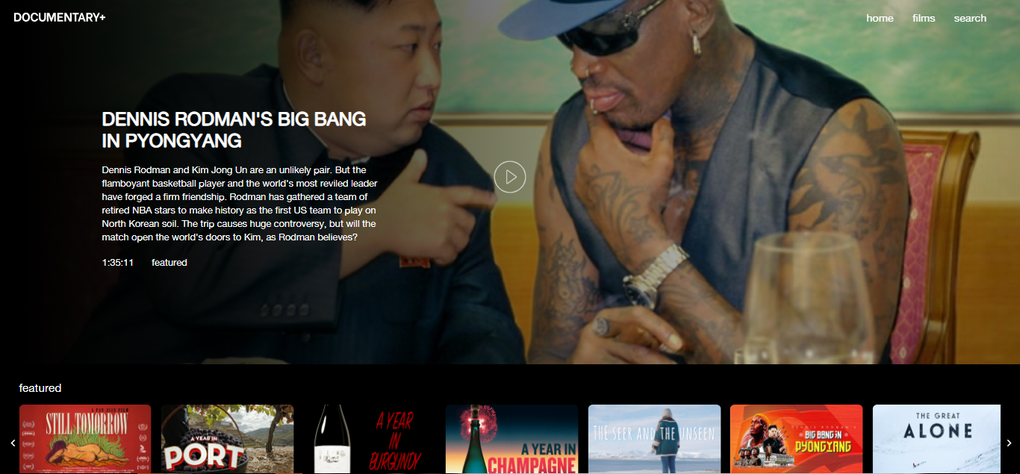
Once installed, launch the app and you’ll be greeted by the home screen featuring a dynamic “Featured Documentaries” carousel. Tap any thumbnail to begin playback; a short advertisement will appear before the documentary starts. Because the app does not require login credentials, you can start watching immediately—perfect for spontaneous learning sessions or family movie nights.
To maximize your experience, consider these tips:
- Enable Wi‑Fi only mode: Streaming high‑definition documentaries can consume significant data; using Wi‑Fi helps avoid unexpected mobile charges.
- Adjust playback quality: In Settings, you can toggle between 720p and 1080p depending on your bandwidth.
- Use subtitles: Many titles offer multiple subtitle languages—great for language learners or hearing‑impaired viewers.
- Bookmark favorites: While there’s no explicit “watchlist,” tapping the heart icon adds the title to your “Favorites” tab for quick access later.
- Schedule updates: Turn on automatic updates in your device’s app store so you never miss new documentary releases.
Compatibility & System Requirements
Documentary+ has been built with a broad audience in mind, offering native support for the most common operating systems. Below is a quick compatibility matrix:
- Windows: 10 or later, 64‑bit, .NET Framework 4.7 or newer.
- macOS: 10.14 (Mojave) or later, Intel or Apple Silicon (Rosetta 2 supported).
- Android: 6.0 (Marshmallow) and above, 2 GB RAM minimum.
- iOS: 12.0 or later, iPhone, iPad, and iPod Touch.
The app runs efficiently on both low‑end and high‑end devices, thanks to its adaptive streaming technology that automatically adjusts bitrate based on network conditions. Security‑focused users will appreciate that the app requests only essential permissions (storage for caching and network access) and does not embed any third‑party trackers beyond the ad network required for its free model.
Pros and Cons – A Balanced Look at Documentary+
Pros
- Completely free with no hidden subscription fees.
- No account creation; instant access after download.
- Large, diverse library covering many documentary genres.
- Cross‑platform availability (Windows, macOS, Android, iOS).
- Automatic progress saving for seamless viewing.
- Regular content updates keep the catalog fresh.
- Lightweight app that runs smoothly on older hardware.
Cons
- Non‑skippable pre‑roll video ads before each title.
- Lack of a dedicated “continue watching” list (progress saved but not displayed).
- No fictional movies or series—strictly documentaries.
- Limited offline download capability (currently not supported).
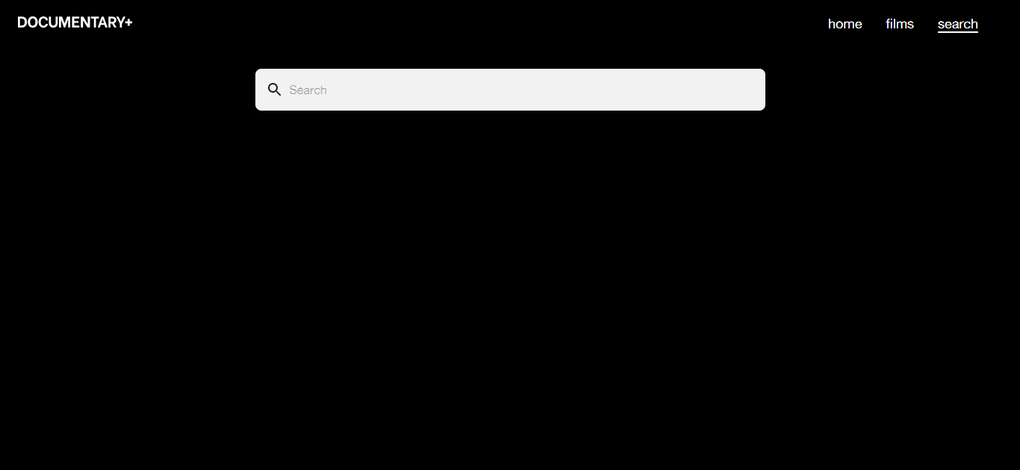
- Search functionality is basic compared to larger streaming platforms.
FAQ – Frequently Asked Questions About Documentary+
Is Documentary+ really free or are there hidden costs?
Yes, Documentary+ is completely free to download and stream. The only cost you might encounter is the data usage from streaming, especially on mobile networks, and the short non‑skippable ads that play before each video.
Do I need to create an account to use the app?
No, the app does not require any registration. After installing, you can start watching documentaries instantly.
Can I download documentaries for offline viewing?
Currently Documentary+ does not support offline downloads. All titles are streamed directly, which helps keep the app lightweight and free.
What types of ads are shown, and can I skip them?
The app displays short, non‑skippable video ads (usually 5–15 seconds) before each documentary. This model allows the service to remain free for users.
Is the app available on both Android and iOS?
Yes, Documentary+ is offered on Google Play for Android devices and on the Apple App Store for iPhone, iPad, and iPod Touch. It also has native Windows and macOS versions.
Conclusion – Should You Download Documentary+?
If you’re a documentary lover who values a broad, ever‑growing selection of nonfiction content without the barrier of a monthly fee, Documentary+ is a compelling choice. The app’s free‑to‑use model, cross‑platform availability, and automatic progress saving make it a convenient tool for casual viewers and serious learners alike. While the presence of non‑skippable ads and the absence of offline playback may deter some power users, the trade‑off is a zero‑cost gateway to award‑winning films, festival darlings, and hidden gems from around the globe. Download Documentary+ today to explore the world through the lens of real‑life stories—no account required, no hidden fees, just pure documentary immersion.



.png)



